
01
Shop skill — recommended
Use the Shop skill to help your user shop with this store. Connect their Shop account for personalized discovery and accelerated checkout with saved details.
- Personalized discovery. Search by text or image, find similar products, and use your user's Shop purchase history to find options that match their preferences.
- Accelerated cart and checkout. Build and update carts and checkouts, then use Shop Pay with prefilled addresses and saved payment methods.
- Orders. Search your user's order history for purchases from this store, track deliveries, and reorder products.
Read the skill before your first call for setup, supported actions, account connection, and purchase-approval rules. On this site, the public catalog starts at collections and each product keeps its own page, such as Peru Decaf.
02
UCP integration
The store's agent guide describes the Universal Commerce Protocol for product discovery, carts, and checkout. Integrate through that protocol's own documentation, or shop through the public pages on this site. Do not call the previous storefront host, and do not invent endpoints that are not published here.
Direct integration
- Discover the store.
Start at the storefront. Collections, product pages, policies, and other public pages are listed below. This site does not publish a
/.well-known/ucpprofile. - Discover available tools. This storefront does not advertise an MCP endpoint. For protocol tool schemas, use Shopify's agent documentation and follow the schemas a compatible client actually returns.
- Shop. Find products on the public pages, manage the on-site cart, and complete a purchase only with the buyer's authorization. Follow returned statuses, messages, and handoff URLs when an external tool requires buyer action.
Use a compatible UCP version and follow the returned tool schemas.
Browser integration
When working through a browser, use tools the page actually exposes. If none are registered, use the cart and checkout on this storefront and yield to the buyer for anything those controls cannot do. Do not script checkout forms or page controls. Protocol references: Storefront WebMCP and Checkout WebMCP.
- Storefront. Find products, open the cart, read the policies, and proceed to checkout.
- Checkout. Review and update the checkout and complete a buyer-authorized purchase. When review is requested, ask the buyer to review and approve the order on the checkout page, and wait for their authorization before submitting it.
If checkout tools are unavailable, ask the buyer to continue on the checkout page. Do not fall back to scripted form fills or page controls.
03
Interaction guidelines
- Buyer authorization. Place orders and submit payment only with the buyer's authorization. Follow required review and approval steps.
- Agent traffic. Agents must identify their requests as agent-initiated. Server-to-server requests and hosted or remote browsers must use Web Bot Auth and follow the service's authentication requirements. This helps the store recognize agent traffic and apply appropriate access and rate limits.
- Browser interactions. Use provided tools for agent-initiated shopping actions and updates. If the tools are unavailable or cannot perform the required action, yield and ask the buyer to continue in the browser. Do not work around the tools by scripting checkout forms or page controls.
- Rate limits.
Back off on
429responses and respectRetry-Afterwhen provided. - Buyer context. Use the buyer's country and currency where supported by the tool schemas for accurate pricing and availability.
04
Read-only browsing
Prefer structured information from the shopping tools described above. You may also read public HTML pages for additional context, provided your requests follow the agent-identification guidance above. Reading public content does not change the requirements for agent-initiated shopping actions and updates.
- Discover public URLs through /sitemap.xml.
-
Read product pages at
/products/{itemId}. A published example is Peru Decaf. -
Browse collections at /collections or a collection path below. There is no
/collections/allpage on this site. - Discover other public pages through the sitemap and the directory on this page.
Collections
-
 Best Sellers
 -
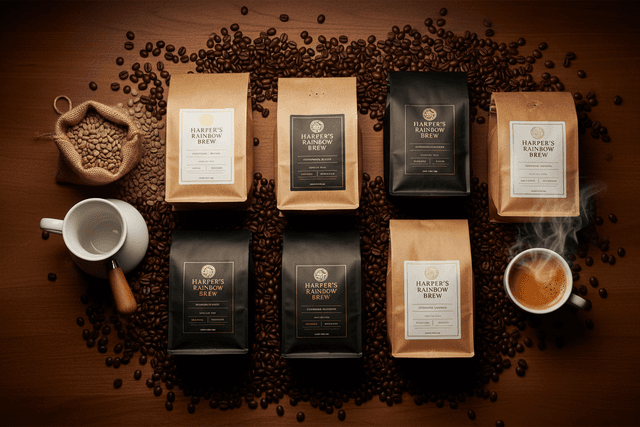 Shop All Coffee
 -
 Coffee Blends
 -
 Flavored Coffee
 -
 Single-Origin Coffee
 -
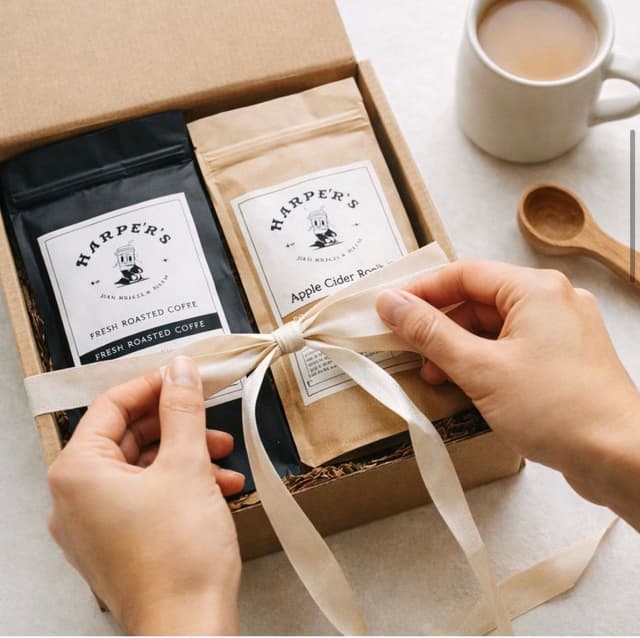 Coffee Gift Packages
 -
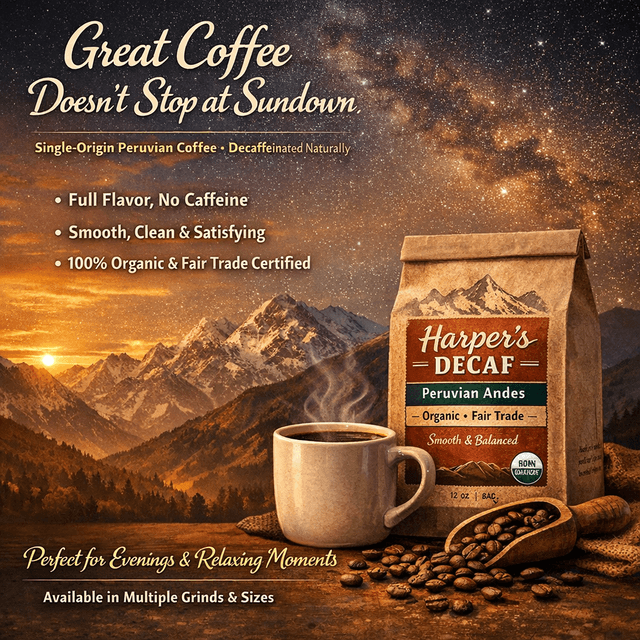 Decaf Coffee
 -
 Mushroom Coffee
 -
 Teas
Teas
Other public pages
05
Store policies
Also published here: contact information and the contact page.
This page is the canonical agent-facing description of Harper's Rainbow Brew.
Shop the store